

Oh My Tutor

From stuck to understood

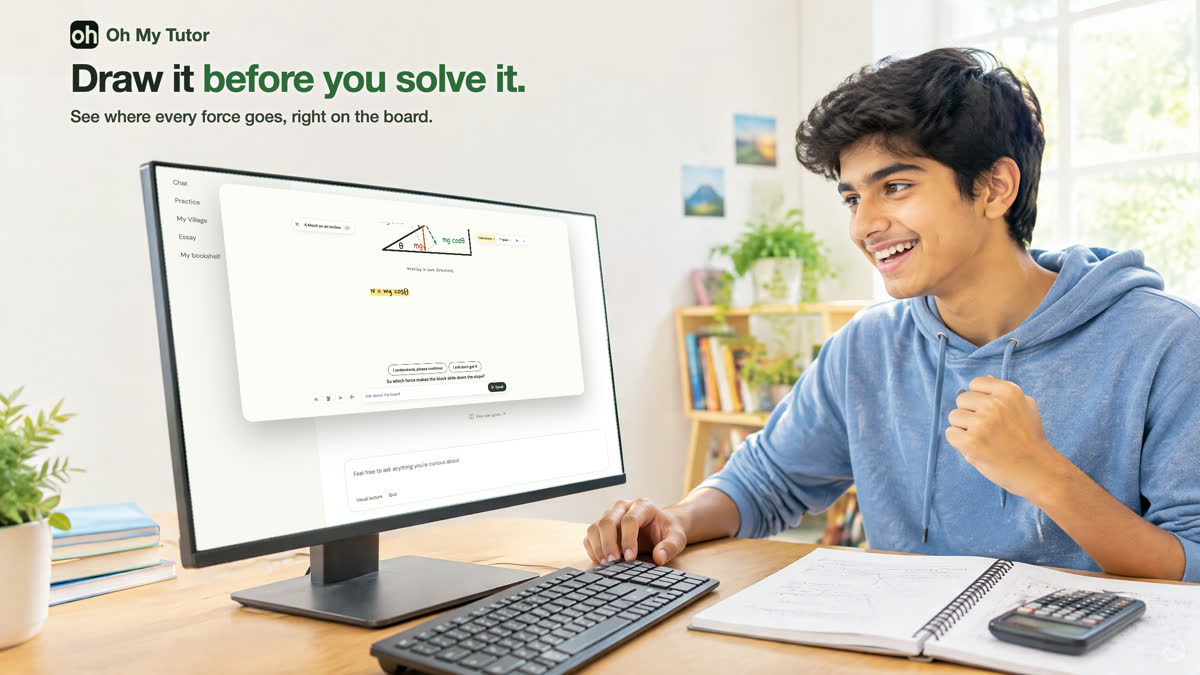
Show the problem you are working on. Oh My Tutor draws on a whiteboard, explains one step at a time, and stays with you until you can solve it yourself.

▶ See it in action

From stuck to understood. A student smiling at a whiteboard explanation on a laptop

Moments to open Oh My Tutor

Each scene comes from the real app.

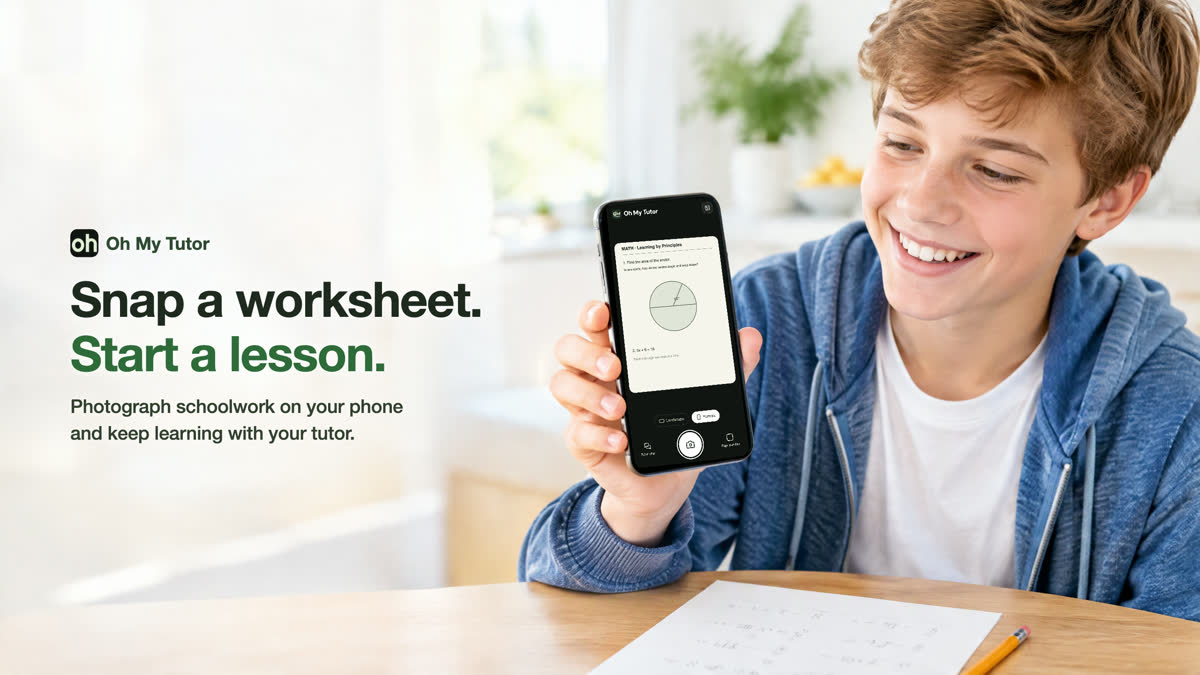
When the lesson did not click: We covered it in class, but at home none of it makes sense.

01

When the lesson did not click

“We covered it in class, but at home none of it makes sense.”

Just snap today’s worksheet with your phone. The tutor draws the graph and explains from the start, and shows a physics ramp or photosynthesis in a single picture.

  • Start from one photo of the worksheet
  • Graphs and diagrams drawn step by step
  • Ask in English and keep going on the same board
  • Play at 1.5x, or on your phone
Curious beyond the textbook: How does a plane stay in the air?

02

Curious beyond the textbook

“How does a plane stay in the air?”

Ask about anything, even if it will never be on a test. The tutor sketches how it works and explains until it makes sense.

  • Any question, explained with a picture
  • Switch the explanation to English or Korean
  • Ask whenever curiosity strikes
A week before the test: I don’t know where to start reviewing.

03

A week before the test

“I don’t know where to start reviewing.”

Pick the materials you studied, and the tutor puts practice questions from them on the board, one at a time. Answer, get it marked, and see the worked solution.

  • Questions from your own notes and worksheets
  • One question at a time, marked right away
  • Worked solutions on the board
When writing feels impossible: I can’t even get the first sentence down.

04

When writing feels impossible

“I can’t even get the first sentence down.”

Choose a topic together, then get feedback on every sentence you write, so your ideas come out clearer. Works for English essays too.

  • Pick a topic together
  • Feedback and reasons, sentence by sentence
  • English essays included
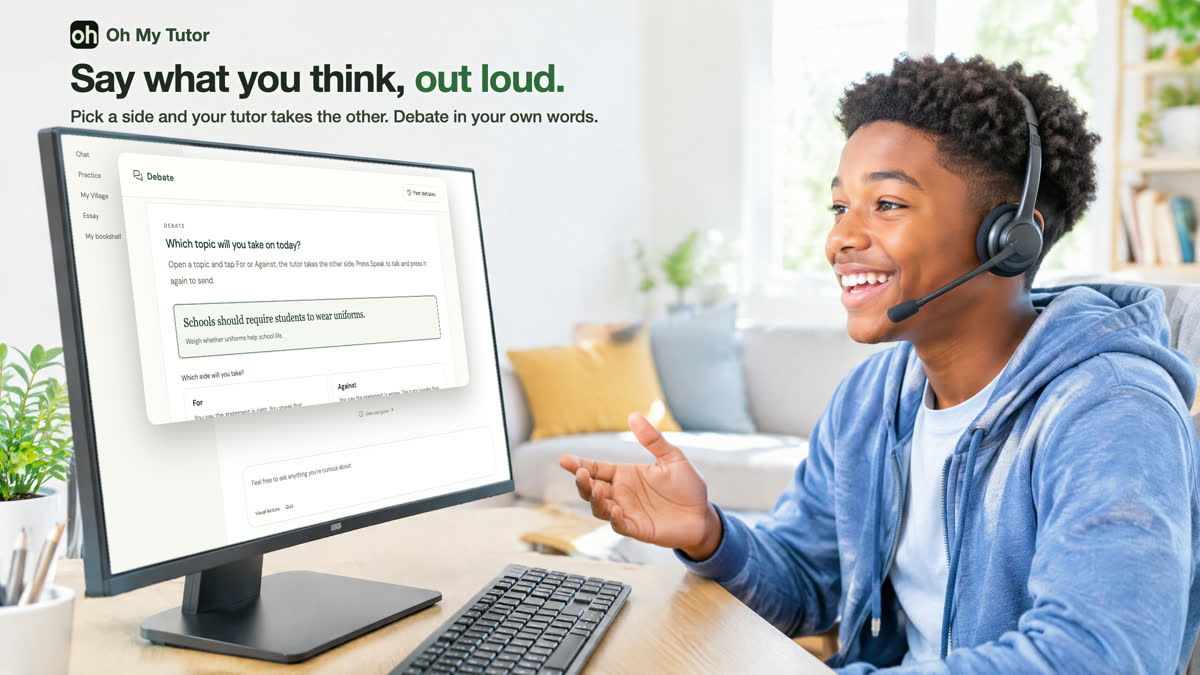
Putting your thinking into words: I know what I think, but it comes out jumbled.

05

Putting your thinking into words

“I know what I think, but it comes out jumbled.”

Pick a debate topic and the tutor takes the other side. Argue and rebut out loud, and build the habit of organizing your ideas.

  • Your tutor argues the other side
  • Make your case out loud
  • Look back at your reasoning afterwards
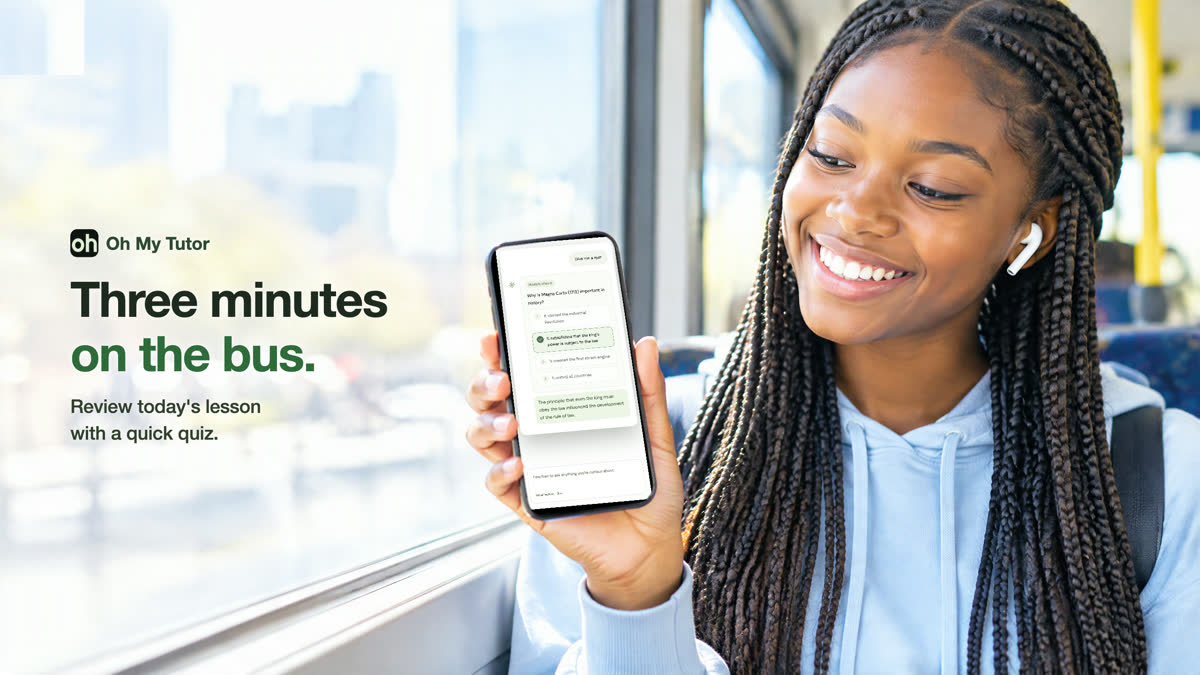
What keeps you coming back: The hardest part is studying every day.

06

What keeps you coming back

“The hardest part is studying every day.”

Check what you learned with a quick quiz. Your pets and village grow along with every session.

  • A quick quiz on what you just learned
  • Pets that grow as you study
  • Raise pets and build your village

More ways to use it

Up and running in a minute

  1. Choose Start free and sign up with Google or email. No card needed.
  2. Enter a name, grade and the tutor’s teaching language (English or Korean).
  3. A short guide walks you through the first time. Upload the problem you are stuck on and the lesson begins.

Plans

Pay monthly with no contract and cancel anytime. We're in beta, so payments aren't open yet. Use every study feature on the free STARTER plan.

  • STARTER

    For getting started

    Free

    50 tutoring turns every week · about 220 a month

  • PLUS

    For steady homework on weekdays

    CA$19.99/mo

    100 tutoring turns every week · about 430 a month

Frequently asked questions

Is it really free?

Yes. The STARTER plan gives you 50 tutoring turns every week, free, with no card needed. During the beta we aren't taking payments for paid plans either.

Does it just give homework answers?

No. Oh My Tutor splits each problem into steps so students understand it, and checks understanding along the way.

Who is it for?

From elementary through high school, and it works just as well for university courses and professional exam prep. The harder and more complex the material, the more it helps to have it drawn out one step at a time. During setup, choose the grade and the tutor’s teaching language, and explanations follow.

Do I need to install an app?

No. It runs in the browser on computers and phones. On Chrome, add the extension to ask beside the page you are on; on a phone, add it to your home screen to open it like an app.

Learn more